Full on the blocks
How we launched a block castle into the wind with a fan
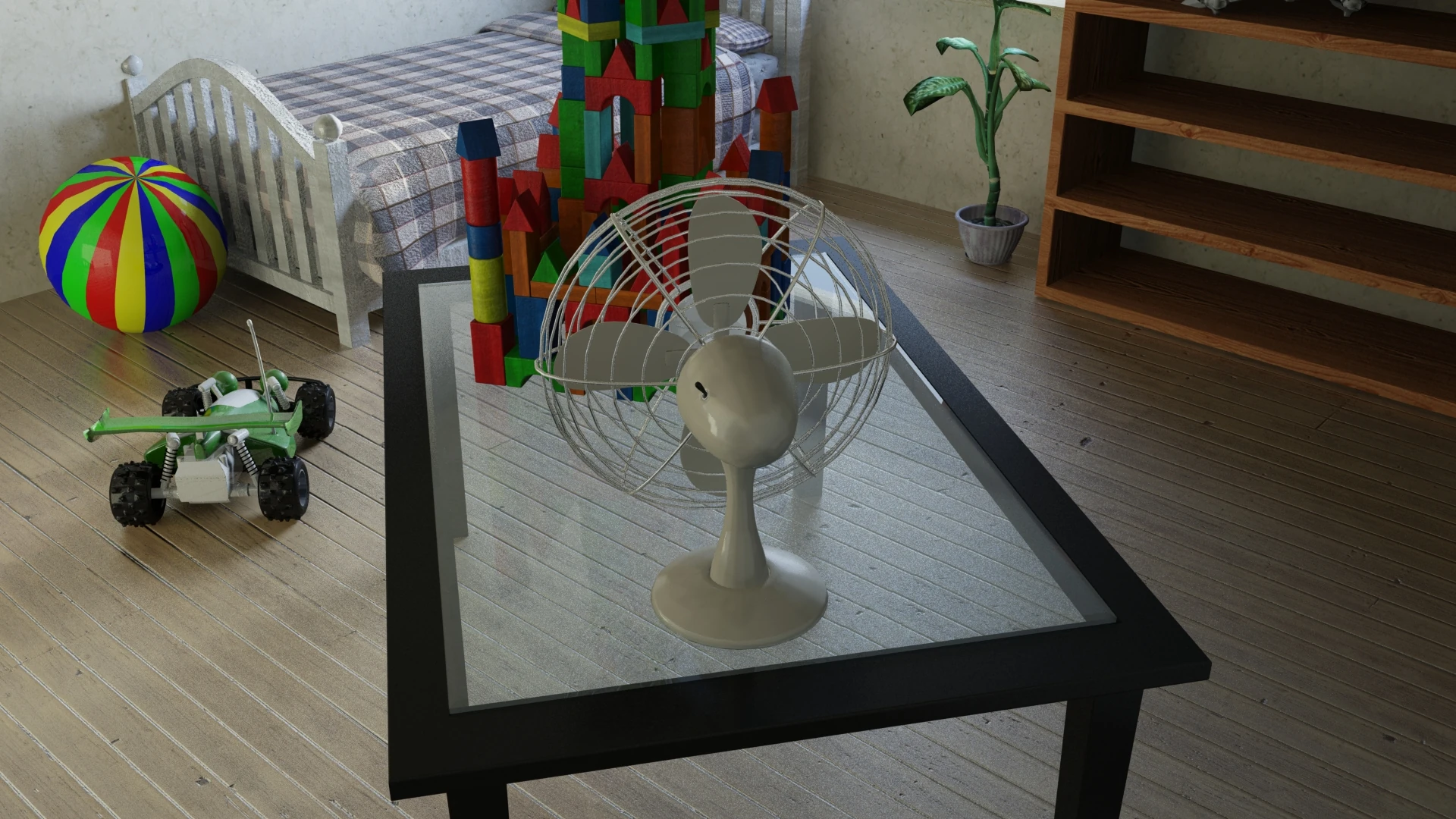
Imagine this: a castle made of wooden blocks. A desk fan. And two students who spent a semester building a 3D animation where exactly that happens, the castle flies apart. Sounds simple. It wasn't.
The project is called "Voll auf die Klötze" (Full on the blocks), and it was created in 2017 as part of a university course. It was a two-person project: one fellow student and me. The assignment: a realistic wind simulation in 3D. The result: an animation, a ton of gray hairs, and a deep, intimate dislike for a particular piece of software. But more on that in a moment.
The idea
The concept was actually charming: a small block castle sits on a table. A fan spins up. The castle collapses. Done. The challenge was making it look physically believable, not just blocks that randomly vanish, but a real simulation: weight, momentum, and a domino effect.
For that, we used Bullet Physics, a physics engine included in many 3D applications. We modeled all the blocks ourselves; the rest of the scene assets were a mix of models from earlier semesters and ready-made models from Blendswap. The software we were required to use was predetermined by the course: Autodesk Maya.
Maya and us: a complicated relationship
Let's put it this way: Maya and us never became friends.
It started with stability. Maya is notorious for crashing, and for us it did so, enthusiastically and repeatedly. In the end, our project folder was a graveyard of files: project_final, project_final2, project_final_JETZT_ABER, project_final_bitte, and so on. At some point you stop counting.
But the real problems ran deeper.
The physics does what it wants
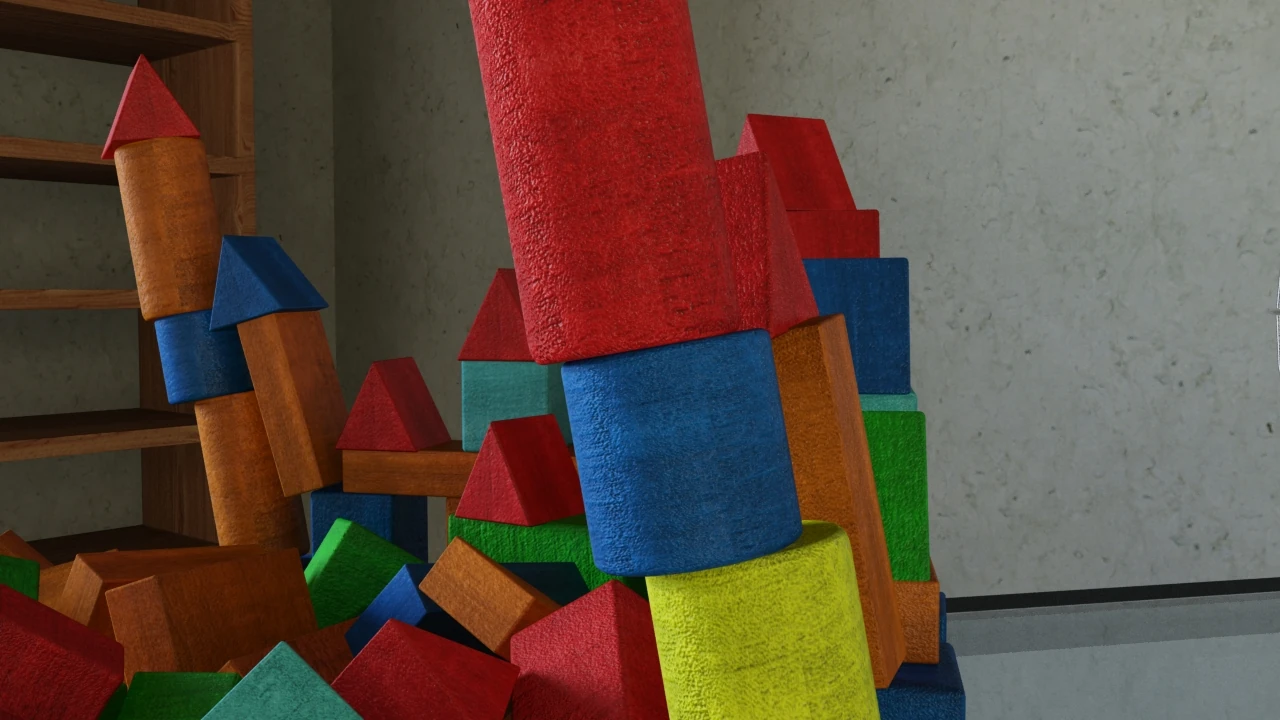
Problem number one: the castle just toppled over. No wind. No fan. Just, plop. In the middle of the simulation, completely unprompted. The workaround was a pretty hacky solution: we only activated the physics shortly before the fan started up, so Maya wouldn't have time to sabotage the scene on its own. Elegant it wasn't, but it worked.
Problem number two: collision shapes. For the physics engine to know how an object collides with others, each block needs a collision shape, basically an invisible shell that determines how it bounces and rolls. Maya offers different options: sphere, capsule, the exact mesh shape. Sounds practical. It's not. Because everything except the basic box collider, everything else, somehow forgot about the floor. The blocks just fell through it. Through the floor. Gone. So we gave every little block the same simple box collider, whether it was square, rectangular, or oddly tilted. Not because we wanted to, but because Maya didn't really give us a choice.
In Blender, by the way, we could have solved this differently. The physics simulation there was stable enough that we could have used more accurate collision shapes even for irregular forms, and the blocks would have looked even more realistic as they fell. The crazy part? Both programs use the same underlying physics system: Bullet Physics. Same engine, totally different results. What Maya did wrong? No idea. But it fits the overall picture.
The rendering nightmare
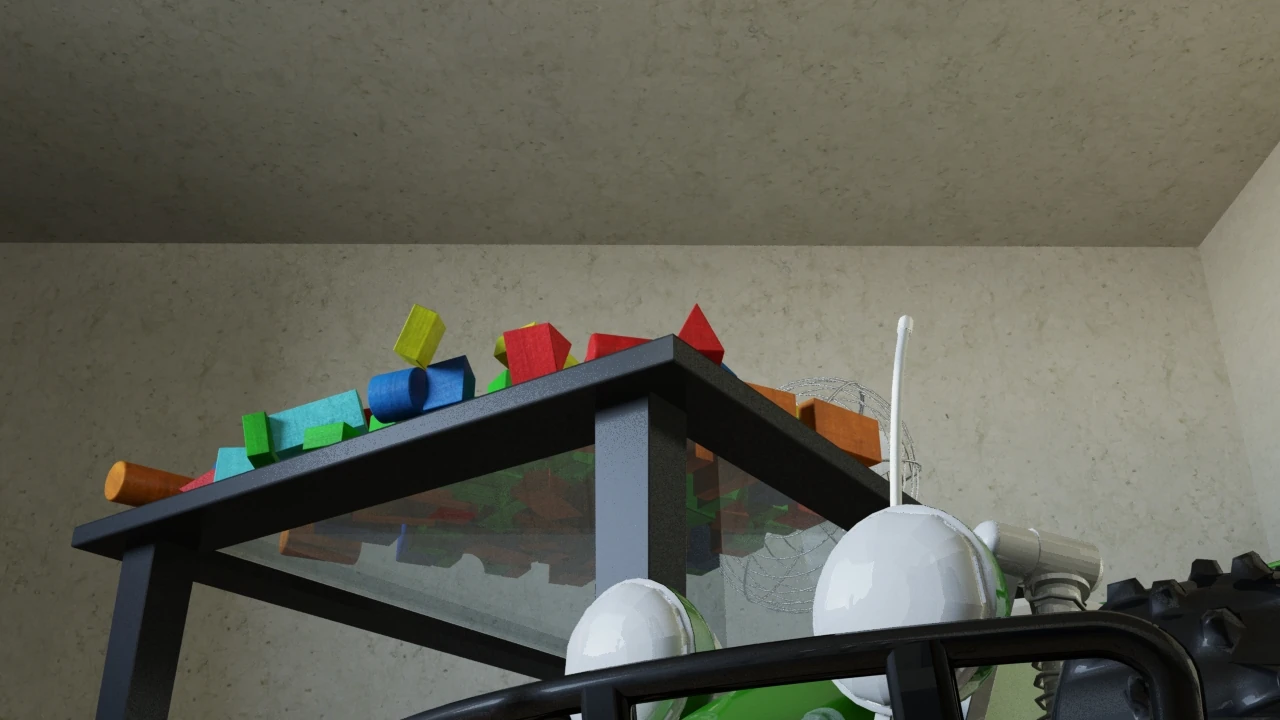
The second big problem was even nastier: Maya lied to us. In the editor, everything looked perfect. The castle stood, the wind was blowing, the blocks flew, wonderful. So we ran the render shortly before the deadline, over the weekend, on the university lab computers. Several machines in parallel, for two days. We came back on Monday excited for the finished result. And?
No physics. The castle stood as if nailed down, no wobbling, no falling, nothing. Maya had simply forgotten to run the entire physics simulation during rendering, and a whole fleet of university computers had happily rendered a static block castle for two days.
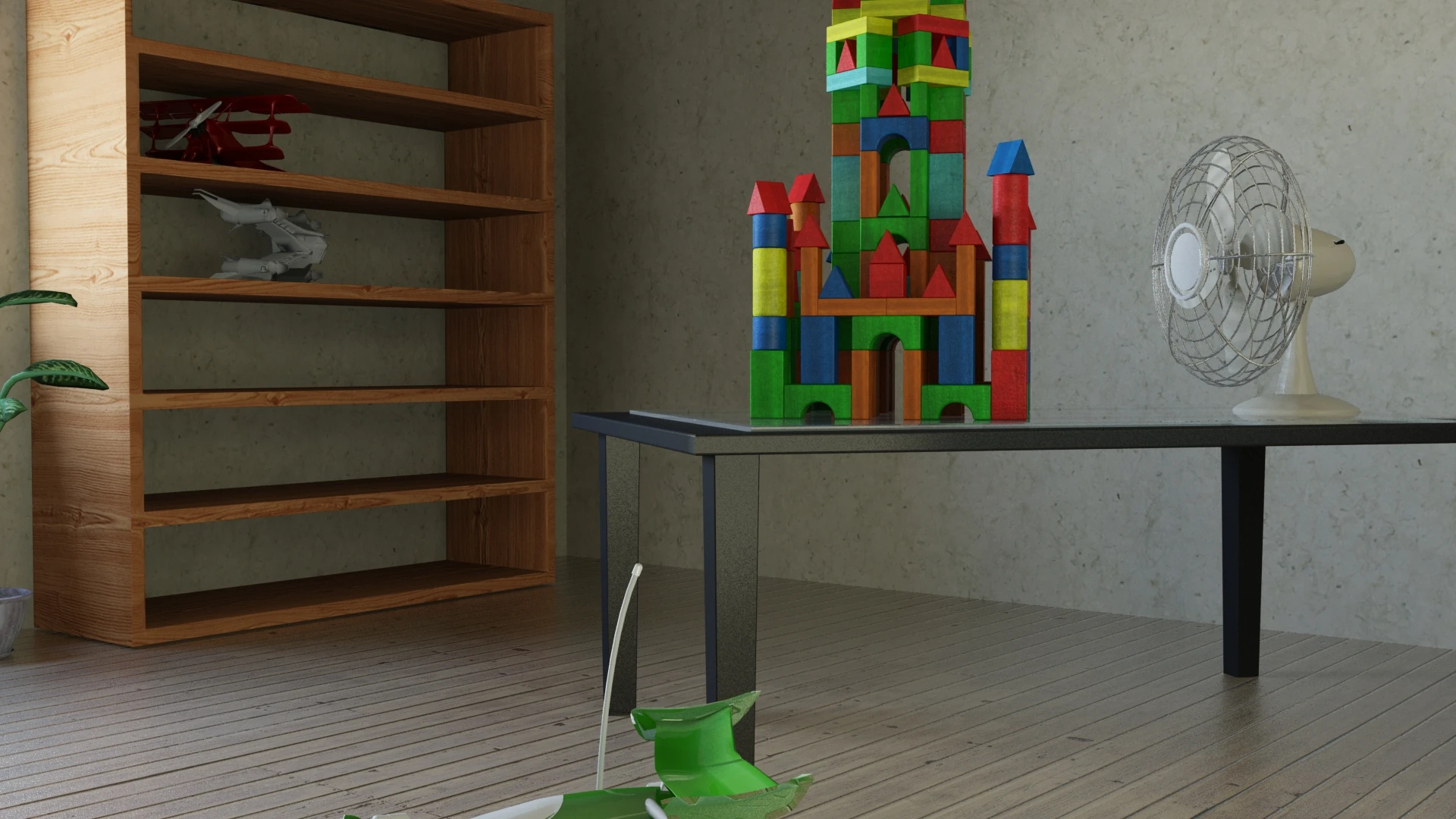
Last render frame with missing physics simulation
The solution came from one of the tutors, and it was as pragmatic as it was telling: he quickly converted the physics simulation into keyframes for each individual block. No real physics system anymore, just recorded movements, object by object. Strictly speaking, that was outside the course topic, but it worked: the render finished, and by the deadline it was acceptable. After all, the tutor had seen the problem himself and come up with the workaround on his own. What that says about Maya's reliability is something everyone can decide for themselves.
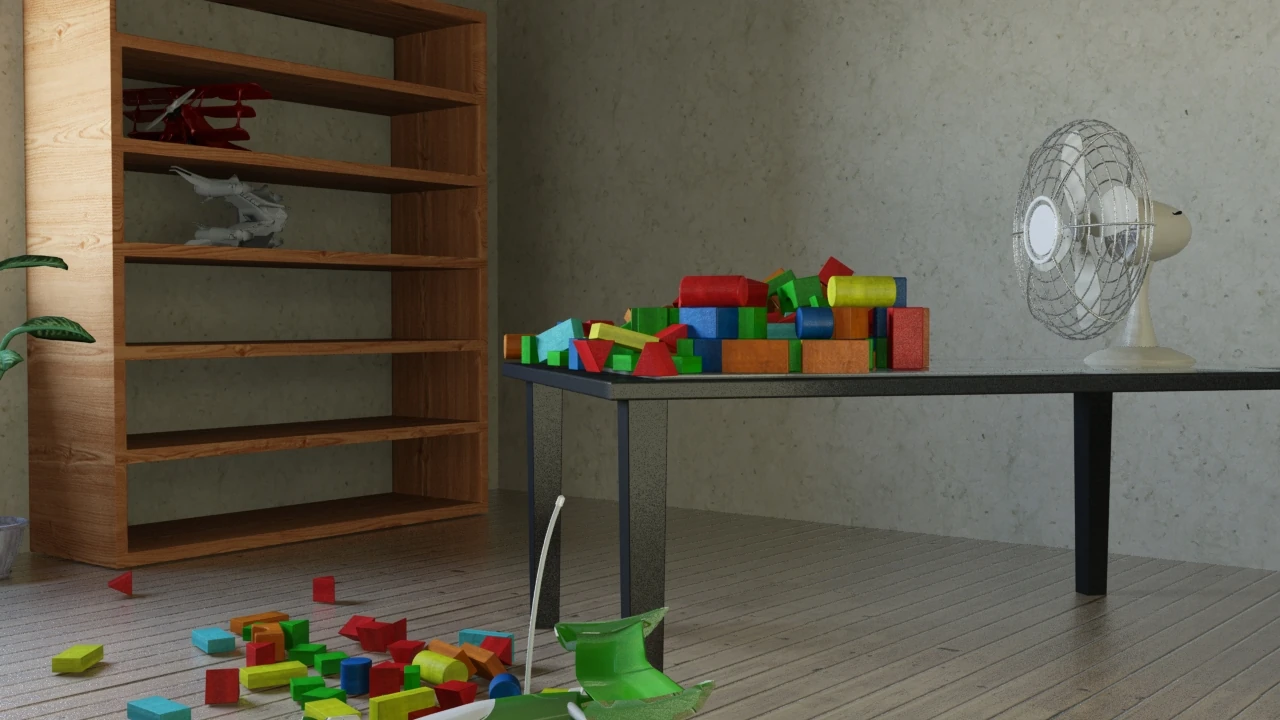
Last render frame with “keyframed” physics simulation; in the back left, the red triangle shows the box collider fairly well, the tip sticks out to the side.
Blender: one afternoon is enough
At some point, we rebuilt the scene in Blender for debugging. It took an afternoon, just one. The physics worked. The render worked. Blender didn't forget the simulation, the blocks didn't fall through the floor, and the program didn't crash even once.
By the way, our professor wasn't a fan of Blender, he was almost at war with the program. We still secretly knew we were on the wrong side.
Oh yeah: the price
Oh yeah, almost forgot: all of this happened with software that currently costs around 235 US dollars per month, per license. Blender, on the other hand, costs nothing. Zero euros. Free. Forever. And it showed us more in a single afternoon than Maya did in a whole semester. I'm just saying.
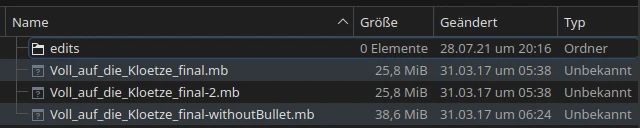
And do you know what's insane about it? I still have all the raw data. All the Maya project files, carefully backed up, including what feels like a thousand versions from project_final to project_final47. And I can't open a single one of them. Not without a 30-day trial version or a license that costs more than some used-car listings. So the course didn't just force us to spend half a semester wrestling with shaky, crash-prone software, it also locked us into a file format that's practically unusable without a year's-salary subscription. Great service.
Maya does offer a Linux version, but installing it is a complicated ordeal, and it only works with lots of workarounds even on Rocky Linux 8 or 9, which is officially supported... it doesn't get better. Even the Windows installer requires extra DLLs that aren't present in a standard Windows setup, so the installer itself…
The result
Did it work in the end? Yes. Does it look good? Find out for yourself, the finished video is right below here. We're still proud of it, even if the path there looked like the project file list: chaotic, long, and packed with too many "finals".