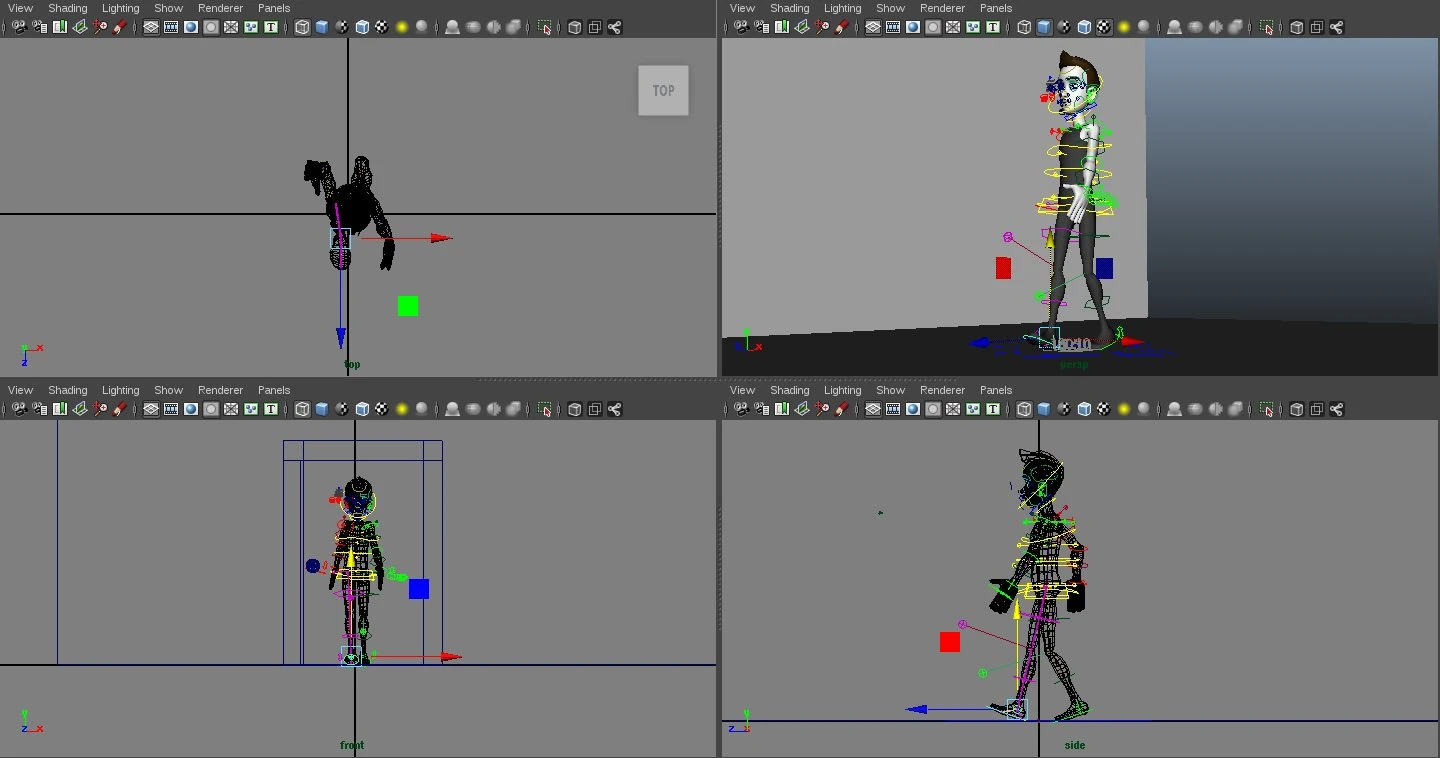
Character Animation
A short animation of a 3D character in Autodesk Maya
What happens if you teach a 3D character to fail at opening a door? That's exactly what my university project in 2015 was about, and it was more educational than it sounds.
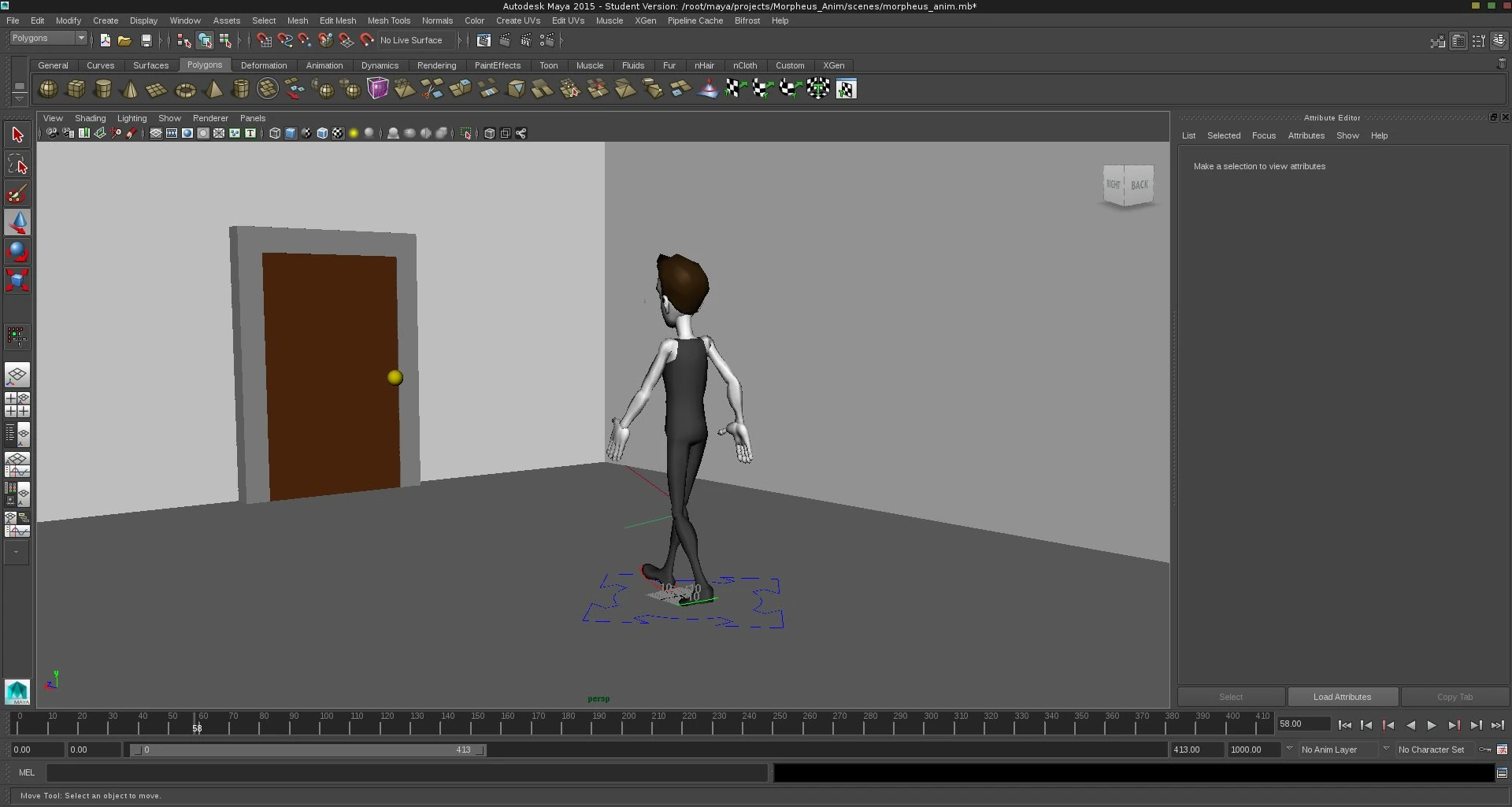
The tools: Autodesk Maya. The model: Morpheus, a ready-made animation rig we were given in the course. The actual task had nothing to do with modeling, it was all about animation. And specifically comic-style animation: exaggerated, lively, with timing and wit.
The scene
Morpheus wants to open a door. It won't budge. He pushes, he pulls, he jerks, nothing. Until he finally hangs from the doorknob with his entire body weight.
The door opens. Instantly. And falls straight onto him.
Behind it: a solid wall.
What's behind it
It sounds simple, but that's exactly where the challenge lies. For this scene, three things were especially important:
- Anticipation: Before Morpheus hangs from the door, he takes a quick moment to build momentum. The animation prepares the viewer's eye for what's about to happen.
- Timing: The joke only works if the door slams open at exactly the right moment. A few frames too early or too late, and the gag fizzles.
- Exaggeration: Everything is slightly more than in real life, because it's that extra bit that makes the movement feel comic-like.
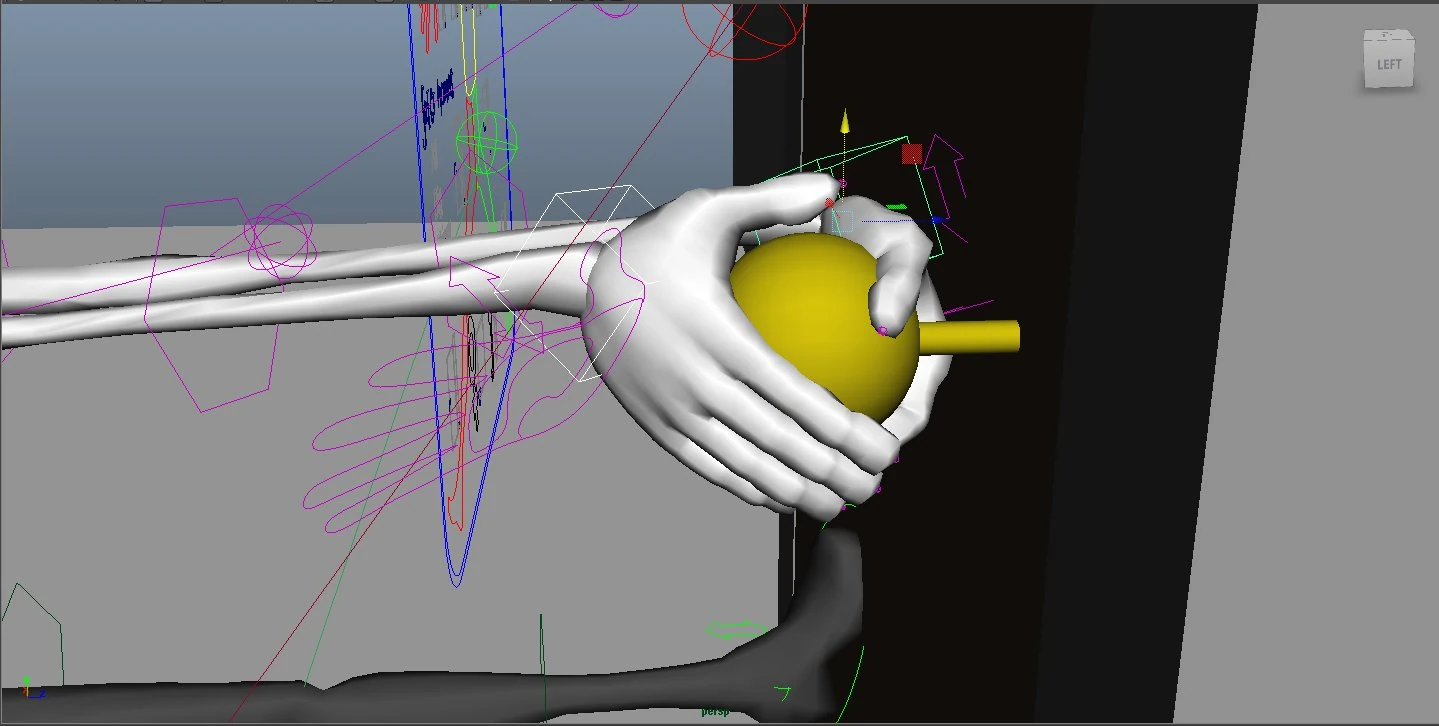
Animation is basically acting, except you have to set every single movement yourself. No instinct, no chance, only deliberate decisions about how desperation or surprise should feel, and then implementing it frame by frame.
The good part: the principles are software-independent
What I took away from this project wasn't Maya knowledge, but an understanding of how character animation works. And that translates to any other 3D software. These days I prefer working with Blender, and that's exactly what's great about these fundamentals: anticipation, timing, exaggeration work in Blender just as they do in Maya. The tool changes, but the craft stays the same.
Maya itself? Not really my thing. Blender just convinced me more, which is a different story.