Open Source Applications and the Keyboard Shortcut Problem
Creative open source applications like Blender, Krita, Kdenlive, GIMP, Audacity, Ardour, etc. urgently need unified keyboard shortcuts
As someone who has been working in the creative field for a long time, I take a rather atypical approach in choosing my software. While many creatives rely on proprietary applications from Adobe, Sony, BlackMagic, and others, my entire software stack consists exclusively of free open source software, in short: FOSS.
So it's not uncommon for me to work in parallel across different applications. A 3D model in Blender, concept art in Krita, textures in GIMP, video editing in Kdenlive, game development in Godot, sound effects in Ardour, etc.
This is exactly where the problem lies. Each of these applications has its own ideas about which keys and key combinations do what.
To be fair, it must be said that these applications often don't come from a single source and have fundamentally different development teams. Often unpaid, developed in their spare time, and certainly with their own views on what usability and user experience should be. Then there are also the different fields for which these applications are designed. Some keybindings may not make sense in certain applications.
Nevertheless, a fundamental problem remains: different operating concepts and one's own muscle memory, when you have been working in one of the mentioned applications for a very long time and then switch to another.
The Mouse Wheel
Just using the mouse wheel alone causes quite different behavior in various applications.
GIMP, Inkscape, Ardour scroll up and down. Krita, Blender, Godot, zoom in or out. Kdenlive scrolls left or right in the timeline, but if the mouse cursor is hovering over the track names, then up or down.
Ctrl + Mouse Wheel: This is particularly amusing. In GIMP, Godot, Inkscape, Kdenlive, Ardour, zooming in or out happens here. In Blender, nothing happens in a 3D viewport but in a 2D viewport, for example the NLA or Dope Sheet Editor, it scrolls left or right.
Shift + Mouse Wheel: Ardour, GIMP, Godot, Inkscape scroll left or right here. Only in a 3D viewport does Godot completely ignore Shift and only recognize the mouse wheel. Krita completely ignores Shift and only executes the mouse wheel. Kdenlive scrolls up or down, this time regardless of whether the mouse cursor is hovering over the track names or not. In Blender, this combination serves no purpose.
Alt + Mouse Wheel: Krita, GIMP, Inkscape have no function. Ardour stretches an audio track vertically without zooming, simply making the control element larger. Kdenlive jumps to the beginning or end of the next clip in the timeline. Godot and Blender both move the timeline cursor left or right. However, Godot ignores Alt in a 3D view as well as Shift, and only recognizes the mouse wheel. In Blender, the position of the mouse cursor is irrelevant here; the timeline cursor is moved left or right in any case.
Krita vs GIMP
Applications that are actually made for the same purpose often run into this problem more often than they should. In addition to the differences already mentioned, GIMP and Krita have a particularly nasty pitfall. This just happened to me recently and was even the final trigger for this article:
Ctrl + Shift + E in GIMP opens the export dialog. In Krita, however, this key combination merges ALL layers of the current drawing into one without asking. So when I'm done with my drawing and want to "quickly" export the image, it unfortunately happens to me more often than I'd like that I press this key combination out of reflex. Until I realize that I've merged all layers in Krita into one, quite some time passes, or I close the program and only the next day do I discover the mess. Without a backup of course, because that would also be the drawing with only one layer left in that case.
Ardour vs Kdenlive
It often happens that I record a voiceover track in Ardour, cut it there, and possibly apply a compressor or normalizer to it. Especially with my tutorial videos on Robo 'n Tux - Guides, it happens that I like to spend hours just in Ardour preparing the audio track, only to import it later into Kdenlive and then create the video around it.
But, as one might expect, both programs use different keyboard shortcuts. If you press X in Kdenlive, you activate the cutting tool to split video or audio clips. In Ardour, however, nothing happens at first, unless you have a clip selected, then the beginning of that clip is moved to the current position of the mouse cursor.
To split a clip in Ardour into two, you have to press S. There the cut is then executed immediately under the mouse cursor and not just the cutting tool is activated. S in Kdenlive has no function.
Conclusion
I don't want to list every single inconsistency here, but the pattern runs through large parts of all these apps. Sometimes they all stick to a standard, sometimes one deviates from the norm, and other times everyone does their own thing.
With proprietary alternatives, especially from different vendors, you can't expect the same key combinations to have the same effects either, top be fair. So Blender has different standard shortcuts than Maya, Cinema 4D, or Rhino.
When the applications come from the same company, like with Adobe, then Photoshop behaves like Illustrator, like After Effects, like Premiere, like Lightroom, like InDesign, etc., or at least in large parts very similarly. Of course there are exceptions here too, but the differences are negligibly small.
Looking at you Krita and GIMP
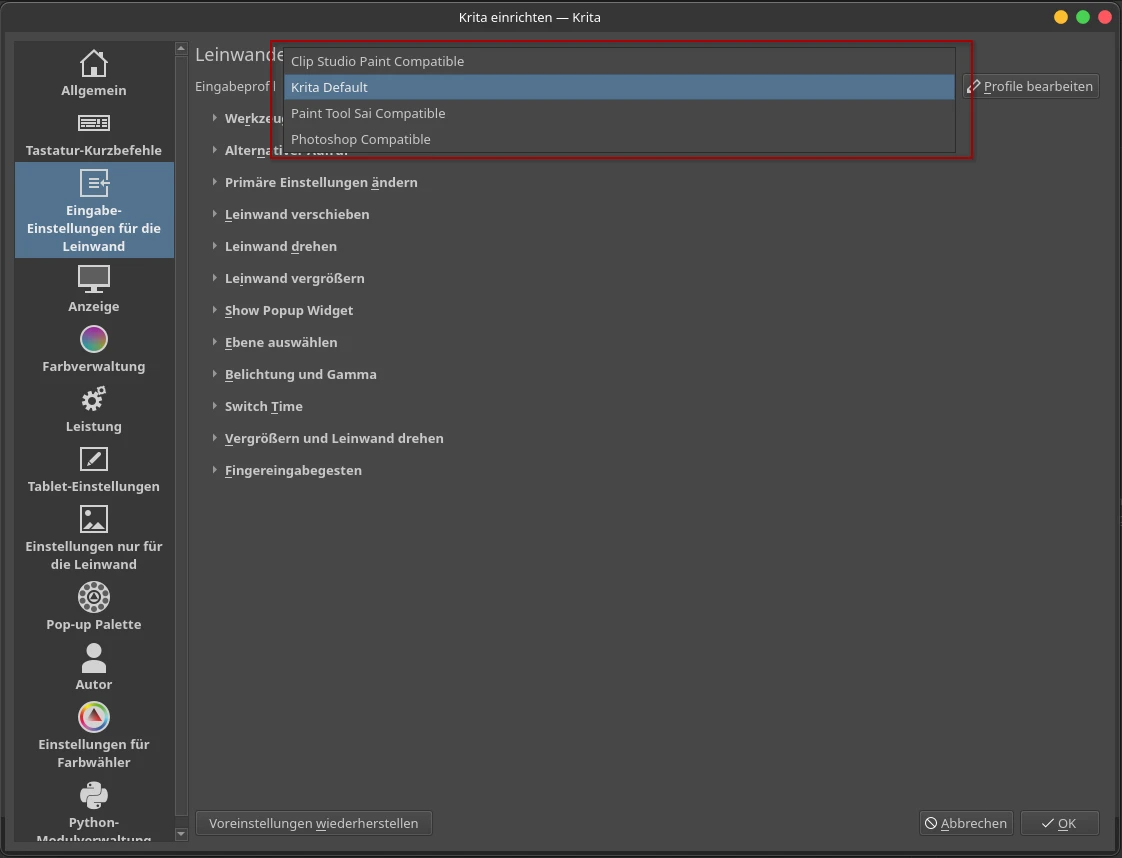
Of course, you can change the input profiles in most cases. For example, Krita offers some for proprietary tools like Photoshop, Clip Studio Paint, and others.
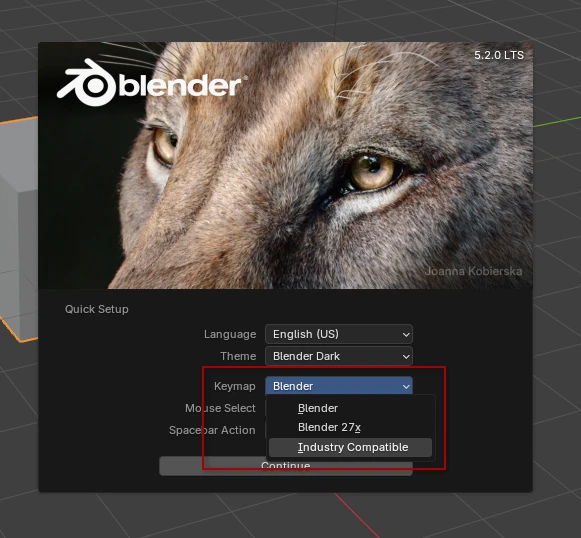
Blender also asks on first launch which input profile you want. Either old Blender 2.7 key bindings or "Industry Compatible," which used to explicitly say Autodesk Maya here.
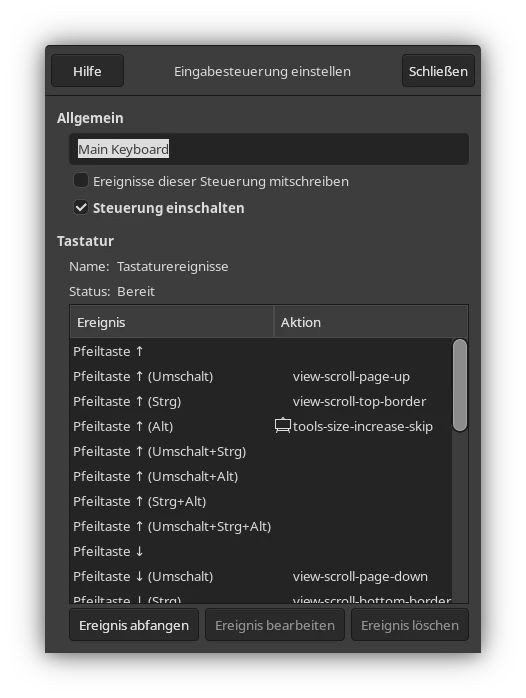
Unfortunately, GIMP has no simple profile selection, or generally no really usable input mapping. There is a settings menu, but it's... let's say quite bare-bones.
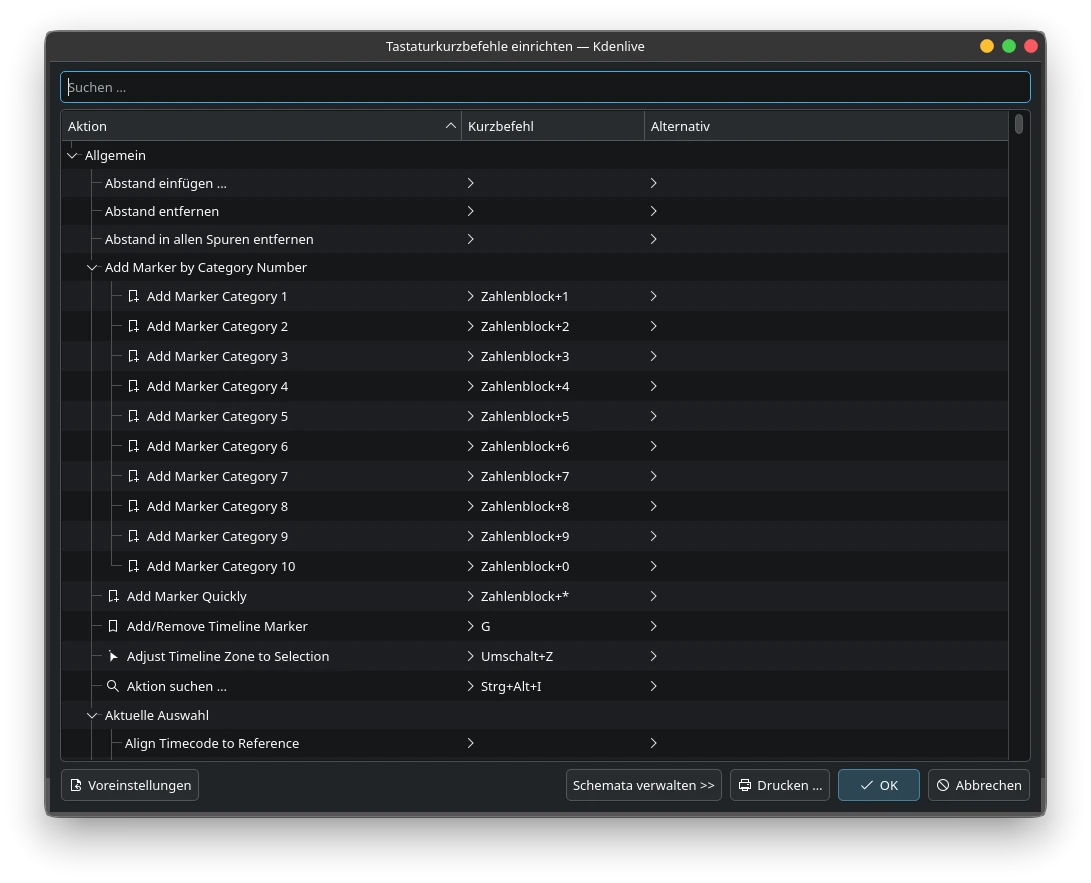
Kdenlive, on the other hand, has an extremely comprehensive menu, but unfortunately no profile selection.
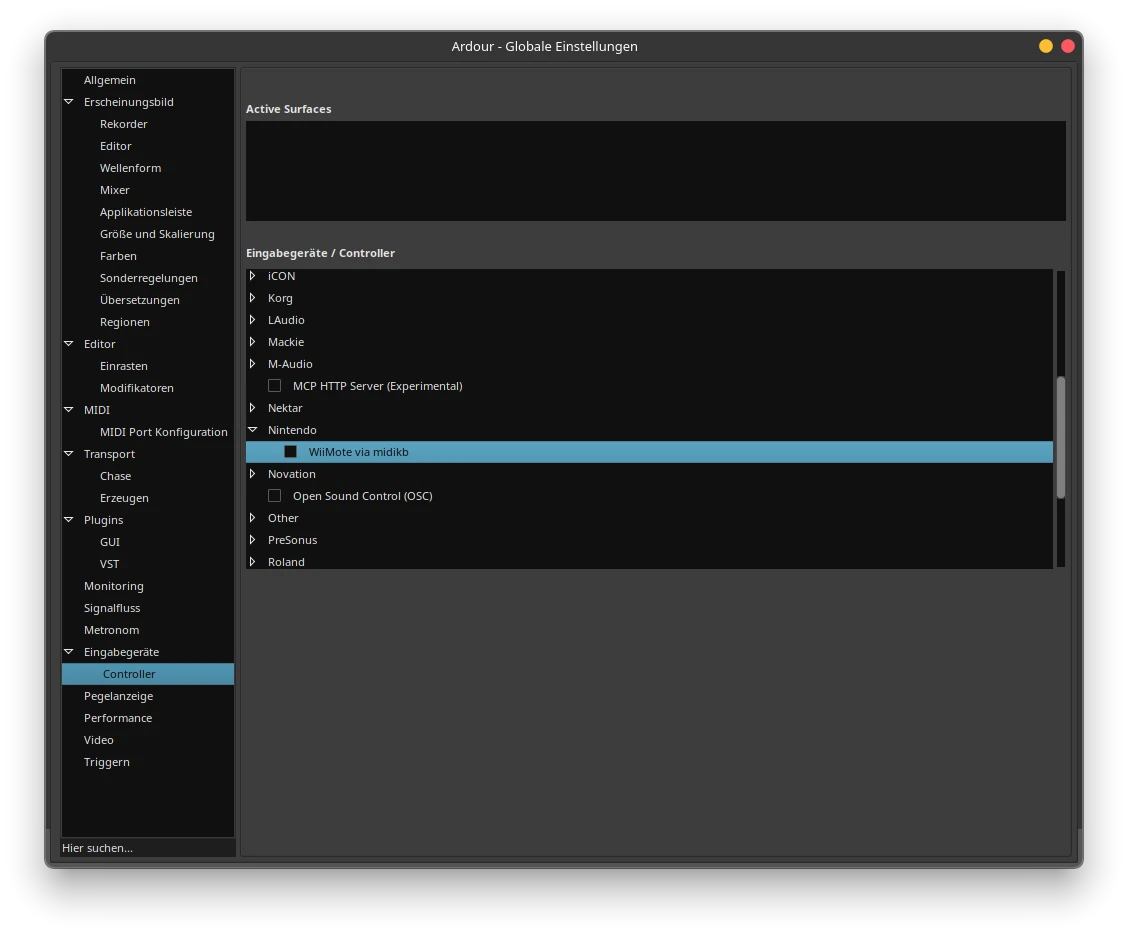
Ardour, as a DAW that can also respond to exotic input devices that you won't find in any of the other applications, like mixing consoles for example, unfortunately also has no profile selection in that sense, nor any binding options for keyboard and mouse. But you can use the Nintendo Wii Remote...
My appeal here would actually be that the various creative Free Open Source alternatives could agree on a unified control scheme. Something like the Filesystem Hierarchy Standard (FHS) which provides a standard for the file system across all Unix-like operating systems including Linux. Something similar in the form of a user interface concept would be desirable. Especially when you frequently switch between various applications, it would not only minimize the learning curve, it would also prevent "accidents."